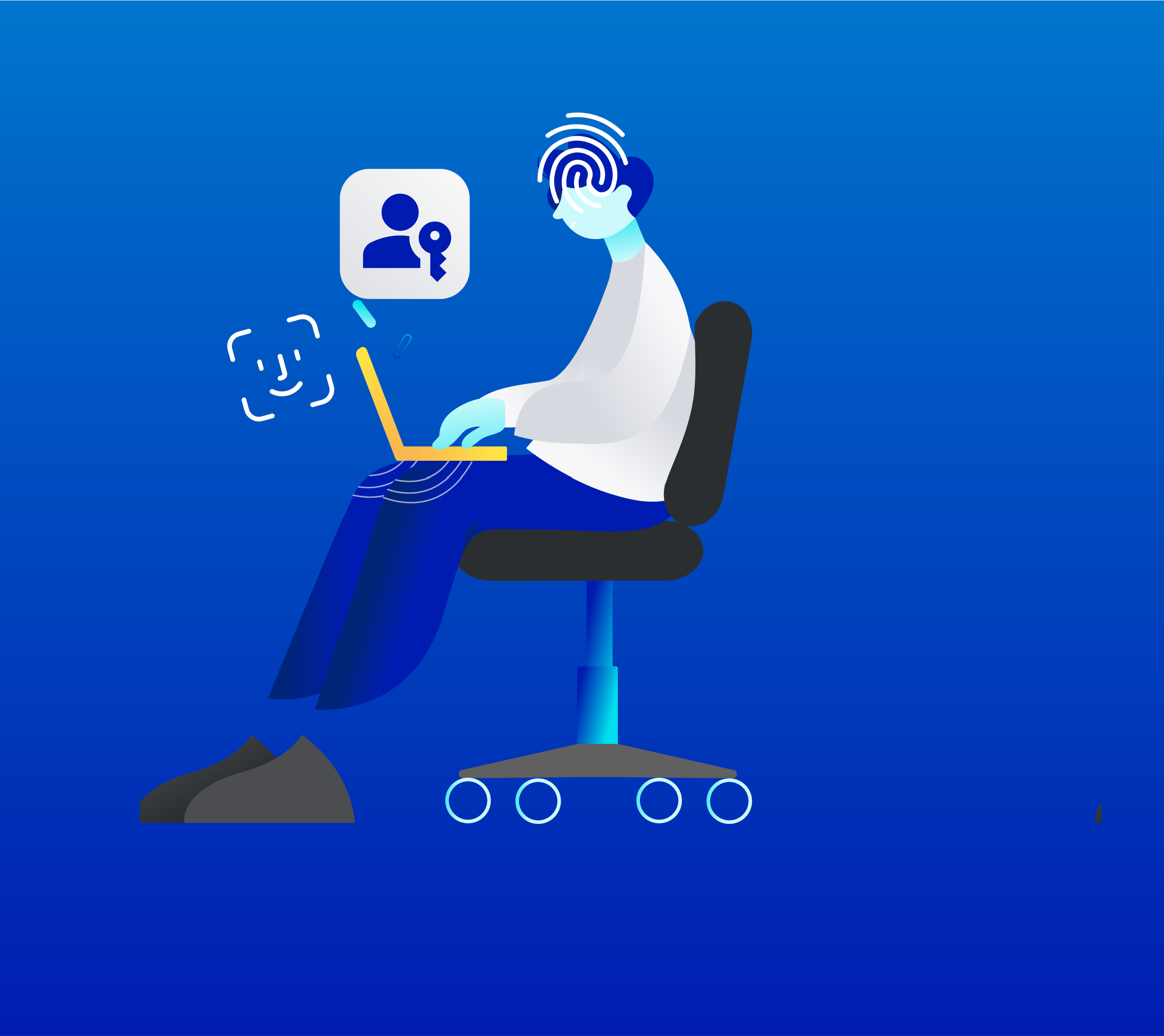
Passkeys

Sign in faster with a passkey

Securely sign in to your AGL account without your password.

How passkeys work

Passkeys let you sign in to your accounts quickly and securely without entering a password.

Once you save a passkey, you can sign in with your face or fingerprint (biometrics), passcode or screen lock.

We don’t store or share your biometrics or passcode. This information is verified by your device, just like when you unlock it.

Learn how to create a passkey.

Benefits of a passkey

Create a passkey for your AGL account

Step 1
Sign into your account using your email and password.
Step 2
Enter your 6-digit verification code.
Step 3
If your device is passkey compatible, you'll see a prompt to create a passkey.
Step 4
Follow the prompts to setup your passkey.

You 'll be able to use your new passkey the next time you sign in.

Create a passkey in minutes

Get started in your My Account security settings.

Passkey help