Passkeys

Sign in faster with a passkey

It’s a secure way to sign in to your AGL account without entering your password.

How passkeys work

Passkeys let you sign in quickly and securely, without needing to enter a password.

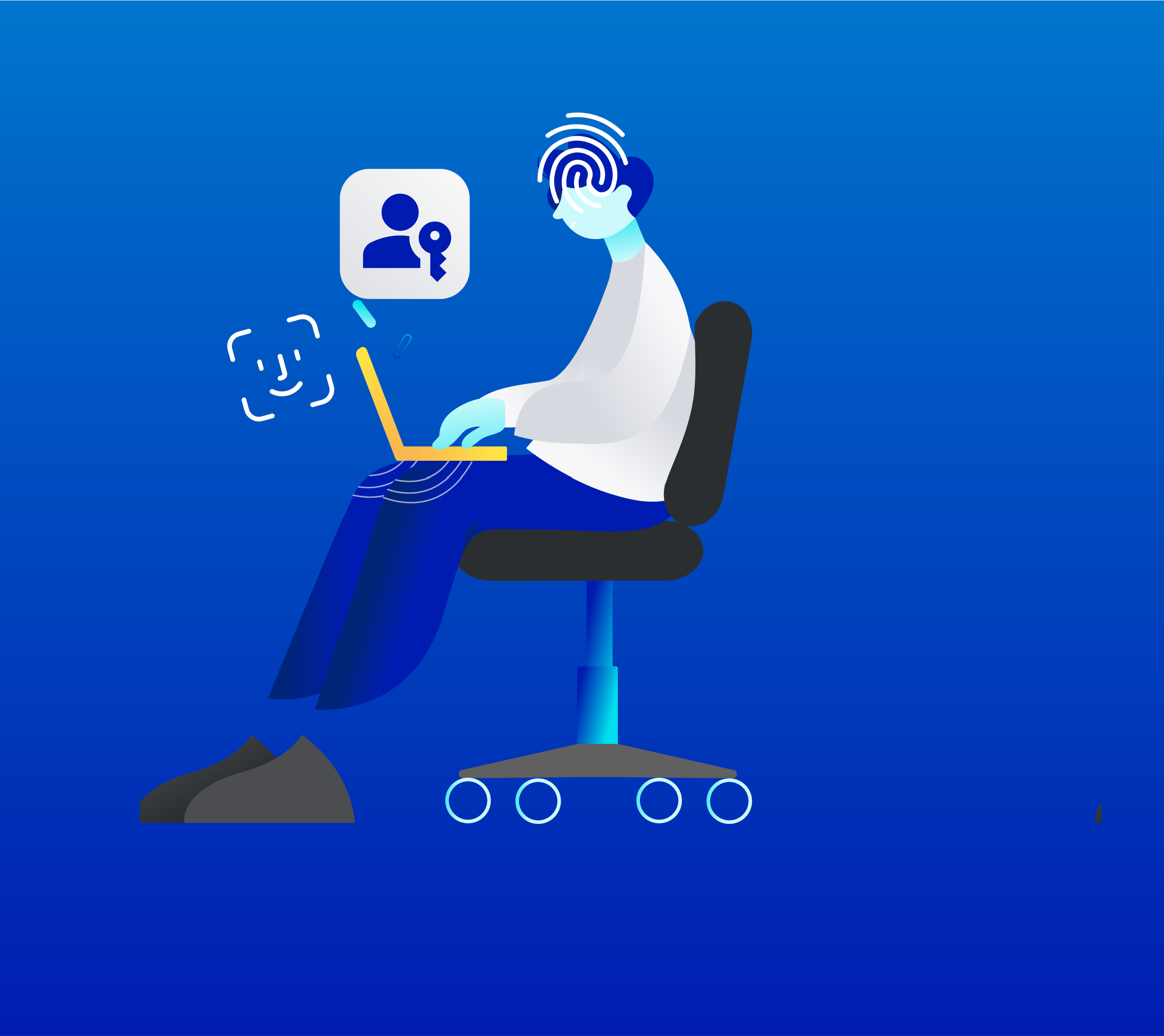
Once you’ve saved a passkey to your phone, trusted device or browser, you can sign in using your face or fingerprint (biometrics), or your device passcode or screen lock.

We don’t store or share your biometrics or passcode. This information is verified by your device, just like when you unlock it.

Learn more about how to create a passkey.

Benefits of a passkey

How to sign in with a passkey

Step 1
When signing in to My Account, choose to sign in with a passkey.
Step 2
The device or browser where you’ve saved your passkey will ask you to confim.
Step 3
Confirm using your face, fingerprint or other options.

Create a passkey in minutes

Get started in your My Account security settings.

Passkey help